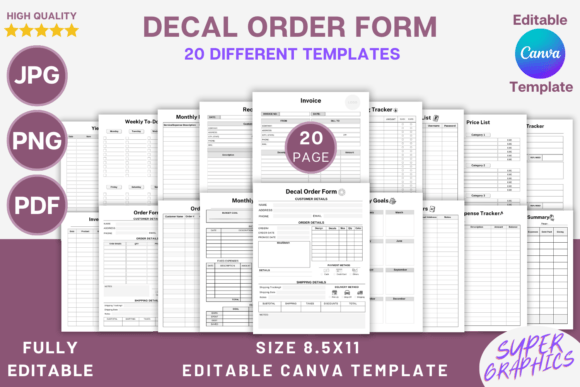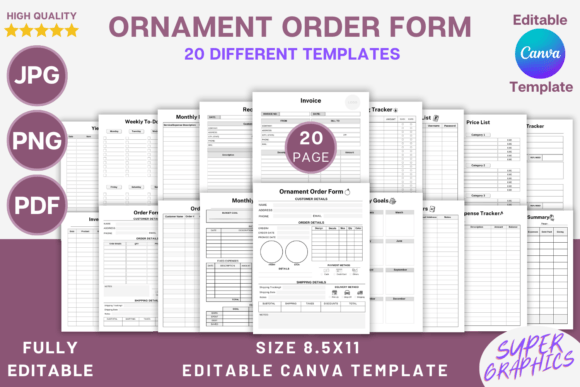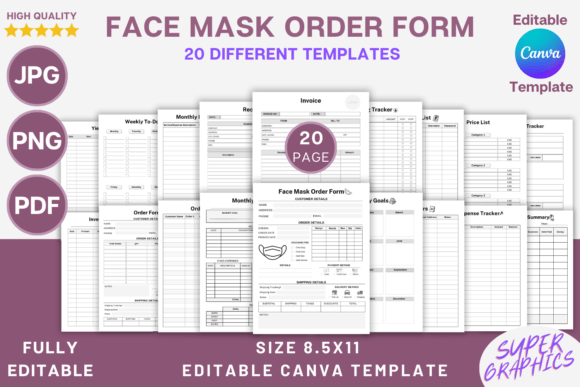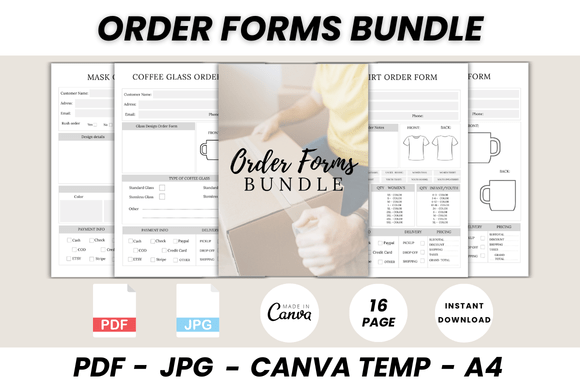
Order Form Canva Template: Streamline Your Business
Running a small business or creative studio often means juggling a dozen tasks at once, and somewhere in that chaos, the administrative side can start to slip. You might be taking orders via DMs, scribbling notes on scraps of paper, or using a generic spreadsheet that doesn't quite capture your brand's personality. It’s a common bottleneck. An Order Form Canva Template is a practical design asset that solves this specific problem, providing a polished, professional document that you can customize in minutes. It’s not about flashy design for the sake of it; it’s about creating a clear, functional tool that makes a great first impression and keeps your workflow moving smoothly.
More Than Just a Form: A Piece of Your Brand Identity
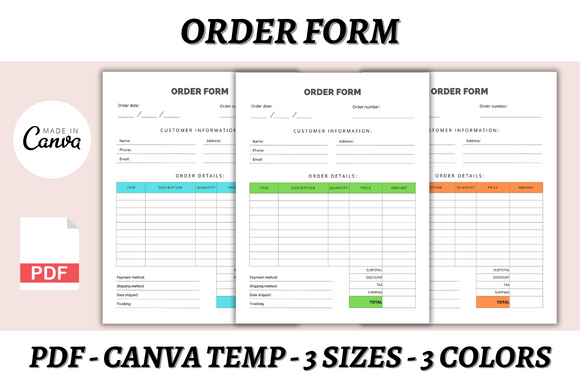
Think of this template not as a boring administrative necessity, but as an extension of your brand identity. The visual characteristics are intentionally clean and organized, with a modern typography feel that prioritizes clarity. You’ll find ample white space, logical sections for client information, product details, and totals, and a design personality that feels professional, trustworthy, and efficient. The overall appeal is in its simplicity—it’s a canvas waiting for your logo, brand colors, and specific typeface choices. This adaptability means it can feel minimalist and sleek for a tech startup or warm and approachable for a handmade goods shop. The style is built on a foundation of good visual hierarchy, guiding the eye from the header down to the payment details without confusion.
The real power of this editable template lies in its versatility across projects. For a blogger or content creator, it becomes an elegant media kit or service rate card. A graphic designer can use it for client intake forms or project proposals. Small business owners, from Etsy shopkeepers to local bakeries, will find it indispensable for wholesale orders, custom commission requests, or catering bookings. The templates are provided in multiple sizes—A4, A5, and US Letter—making them suitable for both digital delivery via PDF and professional printing. This consistency in your printed materials and digital documents reinforces brand recognition and professionalism every time a client interacts with your business.
Practical Guidance for Implementation and Customization
Getting started is straightforward. You’ll need a free Canva account, which is a powerful online graphic design tool in its own right. Once you access the template, the editing process is intuitive. You can change fonts, adjust sizes, alter the color palette to match your brand guidelines, swap out icons, and upload your logo. This is where you move from a generic template to a key component of your brand identity. A practical recommendation is to maintain consistency: use the same primary and secondary typefaces you use on your website and social media graphics. This creates a seamless experience for your customers.
When choosing how to style your form, consider your audience. A luxury service provider might opt for a serif font for headings to convey tradition and quality, paired with a clean sans serif font for body text. A creative agency could experiment with a modern typography stack or even a subtle script font for accent text. The key is font pairing that ensures readability is never compromised. Always print a test copy or view the PDF on different devices to check that text is legible and the visual hierarchy holds up. This template provides a strong starting point, but evaluating the fit for your specific project is crucial—does the layout accommodate the amount of text you need? Is there space for terms and conditions?
Maximizing Value: From Personal Use to Commercial Potential
The value of this asset extends beyond your own operations. The product includes lifetime access and instant download, meaning you can use it repeatedly for your business without recurring fees. Furthermore, the licensing is designed for commercial use. This opens up an interesting avenue for entrepreneurs and designers: you can customize the template significantly with your own unique style, branding, and layout modifications, and then sell the resulting design as your own product on platforms like Shopify, Gumroad, or Etsy. This turns a single purchase into a potential revenue stream, embodying the concept of “done-for-you” design assets that save time and enable efficiency.
For those in the digital product space, this approach is particularly relevant. You’re not just buying an order form; you’re acquiring a foundational design asset that can be adapted into a suite of business tools—invoices, quotation sheets, welcome packets—that all share a cohesive visual language. This consistency is a hallmark of a strong brand and builds trust. When evaluating if this template is right for you, consider the included file formats and the ease of customization within Canva’s interface. The ability to quickly produce a professional-looking PDF for a client, or to develop a sellable product, demonstrates the practical, real-world value of starting with a well-structured, editable template. It’s about working smarter, not harder, on the administrative pieces that keep your creative or commercial venture running smoothly.